
For a small business, the AI chatbot worth buying is the one that answers from your own content, shows the source of every answer, goes live the same day, hands off cleanly when it can't help, and charges a flat price rather than per agent. Everything else is a demo feature. Judge the shortlist on those five things and the field narrows fast.
Those criteria matter more than a feature list because a small business has no one to run the tool. Enterprise buyers have a support ops person to build flows and maintain a taxonomy. You have a founder answering email between other jobs. So the question isn't which chatbot can do the most, it's which one is useful on day one with the content you already have, and which one stays useful when your prices change and nobody remembers to update the bot.
Criterion 1: does it answer from your content, or does it need scripting?
Two very different products get sold as "AI chatbot". One is a flow builder: you draw a decision tree, write the replies, and the bot follows the path. The other retrieves from your existing content and generates the answer.
Flow builders are predictable and they're a lot of work: every path you didn't anticipate is a dead end, and someone has to maintain the tree. Retrieval tools take your website and documents as-is, so the setup work is content you probably already have. More on that split in the Tidio alternative post.
How to test it: during the trial, ask it a question you never configured, phrased the way a customer would, including a typo. A flow builder falls back to "I didn't understand that". A retrieval tool answers, or tells you it can't find it.
Criterion 2: can you see where each answer came from?
Citations aren't a nicety. They're how you find out the bot is wrong before your customers do, and they're how a customer decides to trust the answer.
A tool that shows the exact page behind each answer lets you audit it in an afternoon: read ten answers, click ten sources, and you know whether it's grounded or improvising. One that just produces confident paragraphs gives you no way to check.
How to test it: ask something your site answers ambiguously, then check the cited page actually says what the answer claims. Also ask something your content genuinely doesn't cover, and see whether it admits that or invents a policy.
Criterion 3: how long until it's live?
Setup time quietly decides whether you ever finish. If go-live requires a data import project, an intent taxonomy and a training pass, it competes with everything else you're doing, and it loses.
What "fast" should mean: one script tag, point it at your domain, upload the PDFs that aren't on the web, and the widget answers. Same day. Capital City Motorcycle Club was live five minutes after signup, and that's the bar worth holding vendors to.
How to test it: don't watch the demo. Sign up yourself and see how far you get in an hour without talking to anyone. If a human has to configure it for you, you'll need a human every time your business changes.
Criterion 4: what happens when it can't answer?
Every bot hits questions it shouldn't answer: refunds, complaints, anything about someone's specific order. What matters is whether the customer can reach a person from inside the conversation, and whether you receive the whole context rather than "a customer wants to talk to you".
Also decide what you want on the other end. A real-time agent console needs someone sitting in it, which most small teams can't staff, so email threading is often the more honest answer.
How to test it: ask the bot for a refund on a made-up order. Then look at what landed in your inbox and ask whether you could answer it without going back to the customer for details.
Criterion 5: does the price move when you grow?
Per-agent pricing was designed for helpdesks where more volume means more agents. With an AI tool that logic breaks: the bot handles the volume, you're still billed for seats, and per-conversation tiers mean a good month costs you money.
Flat pricing with a clear monthly answer allowance is easier to plan around. Whatever model you pick, work out what you'd pay at three times your current volume before you sign, and check what happens when you exceed the included amount. Seats and add-ons are most of the real cost in the Zendesk alternative post too.
How to test it: ask the vendor to price your current volume and 3x it, in writing, including overage.
Criterion 6: does it tell you what it couldn't answer?
Nobody asks about this one, and it pays for the tool twice.
A chatbot that only answers is a deflection device. One that also reports the questions it failed on hands you a ranked list of what to write next, which is the fastest content roadmap a small business can get. Grouping matters more than volume here: "do you ship to Canada" and "can i order from toronto" are one gap, not two.
How to test it: at the end of the trial, ask to see the unanswered questions. If the report is a raw transcript log, you'll never read it.
Criterion 7: can it look things up, and do you actually need that?
Order status is the highest-volume question in ecommerce, and no amount of good content answers it, because the answer is per customer. Same for booking a time. That needs a live lookup into the system holding the data.
Be honest about whether it's on your critical path. If most of your questions are "where's my order", a tool that can't look it up will disappoint you. If your volume is policies and product details, integrations are a nice-to-have you shouldn't pay extra for today, and check which systems are actually supported rather than trusting a logo wall.
How to test it: name your three systems and ask for the supported list, plus whether each integration is generally available or in beta.
How Answer HQ scores on its own criteria
I'd rather tell you where we sit than pretend to be neutral.
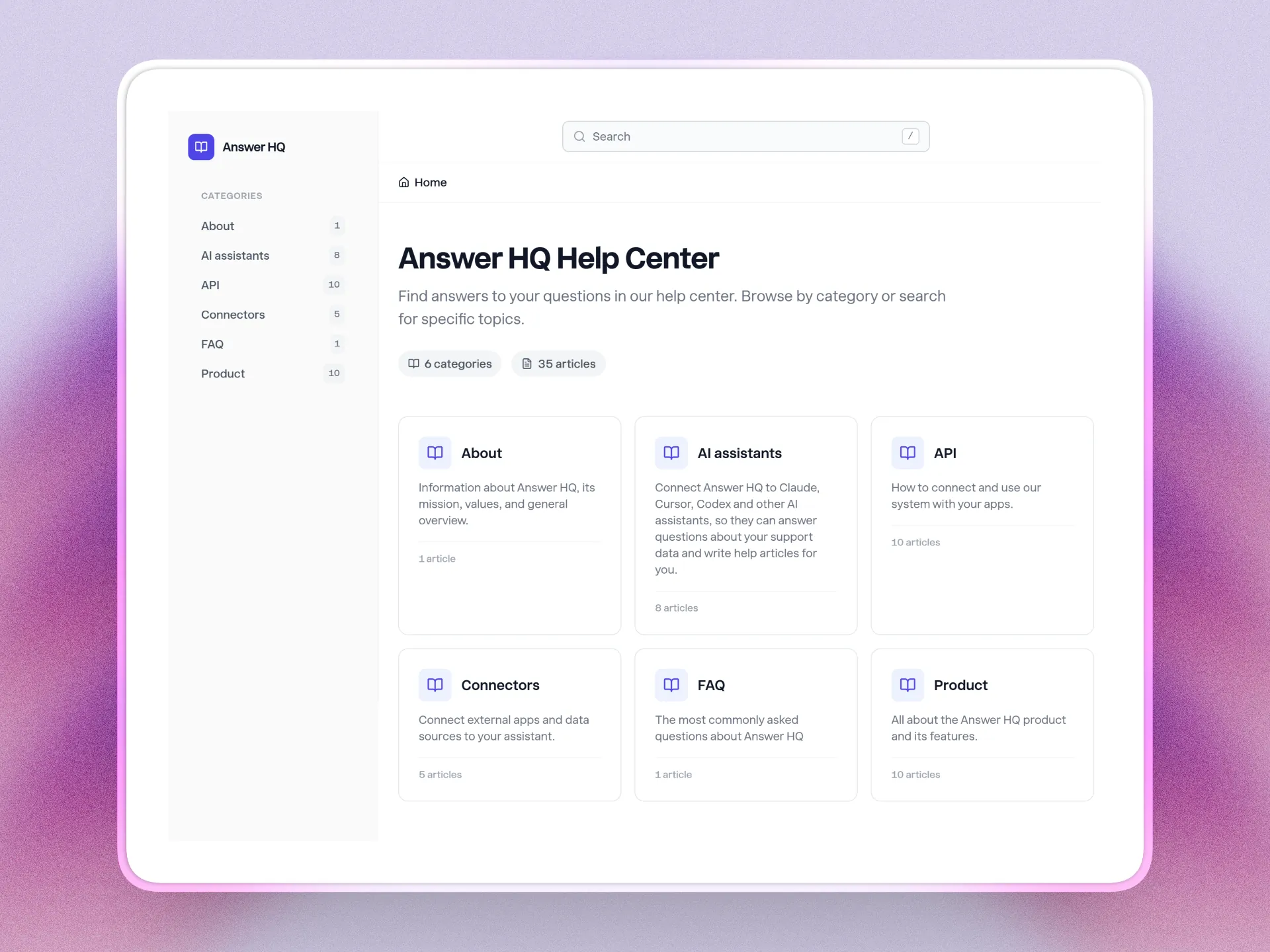
Answers come from your content: your site is crawled into a private Knowledge Vault, you upload the files that aren't online, retrieval is two-stage with vector search then a reranker, and every answer shows Quick Citations pointing at the page it used. Setup is one script tag. The widget has Chat and Help tabs, the Help tab being your own help center with categories and search, which appears once you publish an article. Unlimited articles on every plan, and the assistant replies in the customer's language without per-language setup.
Handoff is in-conversation through a contact form and lands in Tickets, which threads by email, on every plan. To be clear about what that is and isn't: there's no shared inbox, no agent seats, no queue or routing rules, and no live human chat console inside Answer HQ.
Gap reporting is Insights on Pro and Growth: questions grouped into Topics by meaning rather than keyword, ranked knowledge gaps, and a guided flow that pre-fills an article with the real customer questions behind a topic. Chats are analyzed on every plan, so upgrading shows your history immediately. Lookups are Connectors, in beta on Pro and Growth, and Zendesk, Shopify and Cal.com only: create a Zendesk ticket with the transcript, check Shopify order status and stock, book a Cal.com appointment.
Pricing is flat, not per agent: $199 a month for Basic and $299 for Pro, with 1,000 and 5,000 AI answers a month, 100 and 500 knowledge pages, and a 14-day free trial on both. Growth is a demo.
Who this isn't for
If your support is mostly phone calls, none of this helps, and we don't do voice. If you need a shared inbox for all your company mail, agent seats with routing and SLAs, or a workflow builder, buy a helpdesk instead.
If your questions are almost entirely account-specific lookups into a system that isn't Zendesk, Shopify or Cal.com, wait. And if you have no written content anywhere and no appetite to write any, a retrieval tool has nothing to retrieve; start with five answers in a document, which is the first step in reducing support tickets anyway.
FAQ
What is the best AI chatbot for a small business?
The one that answers from content you already have, cites its sources, and installs without a project. Beyond that it depends on your question mix: content-heavy support favours retrieval tools, order-status-heavy support needs a live lookup into your store. Test both against your real questions during a trial rather than trusting a feature matrix.
How much should a small business pay for an AI chatbot?
Enough to matter, and structured so it doesn't scale with your headcount or punish a busy month. Compare total cost at three times your current volume, including seats and overage, not the headline price. Answer HQ is $199 or $299 a month flat, which is the model I'd argue for whoever you buy from.
Can an AI chatbot replace a support agent?
It replaces the repetitive part of the job, not the judgement. Refunds, complaints and anything account-specific still need a person, so plan for handoff rather than full automation. What changes is that the person spends their day on the unusual cases instead of answering the same shipping question forty times.
Will the chatbot make things up?
It can, which is why citations and grounding are the first two criteria here. A tool restricted to your own content, showing the source of every answer, is auditable in an afternoon. Ask it something your content doesn't cover during the trial: the right behaviour is admitting it can't find the answer and offering a human.
How long does it take to set up an AI chatbot?
With a retrieval-based tool, same day: add a script tag, crawl your site, upload the documents that aren't on the web. Flow builders take weeks because you're authoring every path. If a vendor's onboarding needs a call before the bot answers anything, treat that as the setup time.
If you want to run these criteria against us, the fastest way is your own content and your own questions. Start a 14-day trial, point it at your site, and ask it the five things customers ask you most.