
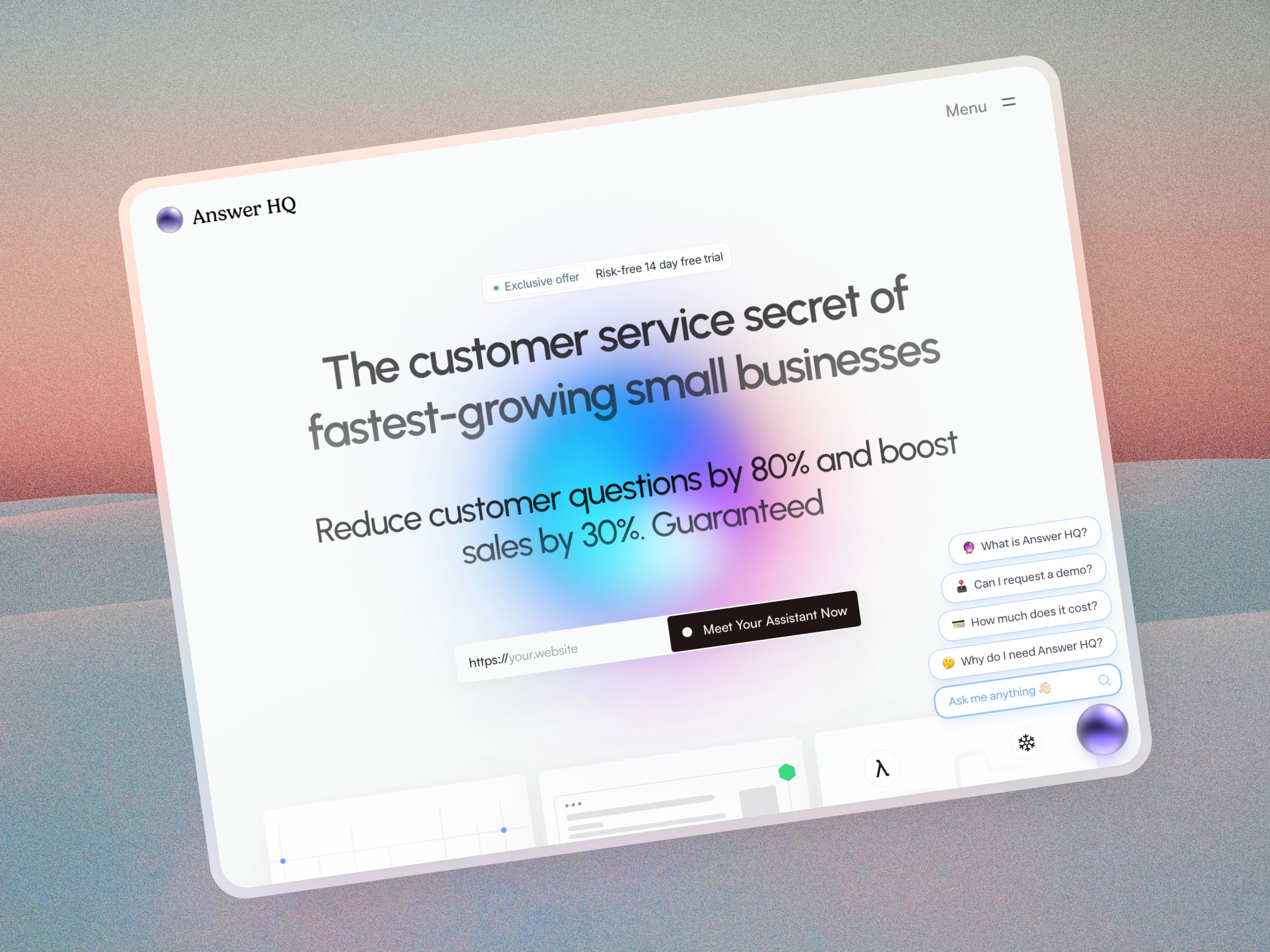
Zendesk is a per-agent support suite built for teams with a staffed help desk. Answer HQ is the alternative for a small business without one: flat $199 or $299 a month, no seat charge, and a chat widget that answers from your own website and documents within minutes of signing up. If you need routing, SLAs and phone support, Zendesk still wins.
I've built several startups before this one, and every time we hit the same wall with enterprise help desk software: a week of configuration to get value, then a bill that grew every time someone new needed access. Zendesk's pricing page, checked August 29, 2026, lists Support Team at $19 per agent a month paid yearly, Suite Team at $55, Suite Professional at $115, and Enterprise as a sales conversation. Answer HQ charges per plan rather than per person: 1,000 AI answers a month at $199, 5,000 at $299, unlimited on Growth, with a team workspace included on every plan. Yearly billing takes two months off.
Where per-agent pricing hurts a small team
The sticker price isn't really the problem. The behavior it creates is.
When each seat costs money, small companies buy one, and the person with the login becomes the support department. Coverage disappears when they're away, and nobody else learns the tool. I've done this myself and it was a bad decision every time.
Flat pricing takes that trade-off off the table. Add the weekend helper, add the developer who wants to see what customers ask, no line item.
What you configure before either tool answers a question
Zendesk expects setup: ticket forms, triggers, automations, groups, business hours, routing, and an agent workflow people need to learn. That's not waste if you have a support team to run through it.
Answer HQ has no schema to design. You import your website, it crawls into a private Knowledge Vault, you paste one script tag into your site, and the widget answers with a citation on every reply. Shopify stores install our app from the App Store and the widget goes in as a theme app embed, no theme code editing. Capital City Motorcycle Club was live five minutes after signing up.
How the answers get produced
This is the part I'd interrogate in any trial, mine included.
Answer HQ answers only from content you gave it: your crawled pages and uploaded files, plus articles you write in the product. Retrieval runs two stages, vector search then a reranker, and every answer carries Quick Citations pointing at the exact page or document it came from. Customers click through and check. You see which page is wrong when an answer is wrong.
Re-imports keep it fresh on a schedule: monthly on Basic, weekly on Pro, every three days on Growth. Page limits are 100, 500 and 1,500, and for most businesses that limit decides the plan more than the answer count does. The pricing page has the grid.
Answers come back in the customer's language. ZURIGA serves German customers through it, and their team ran their own accuracy test against four competing tools, finding Answer HQ significantly more accurate on four of five questions. That's one customer's test on their own content, which is exactly the test you should run on yours.
What happens when the AI can't answer
The customer gets a contact form inside the same conversation, and the message lands in Tickets, which threads over email. Tickets is on every plan.
That's the whole handoff, and it's the biggest difference between these two products. Answer HQ has no agent console, no queue, no assignment, no routing rules, no SLA management, no CSAT surveys and no live chat with a human agent. There's no phone or voice channel, no SMS, no WhatsApp for customers, and no social DMs. Zendesk has all of it.
Do you still need Zendesk alongside it?
Sometimes, and that's a legitimate setup rather than a compromise. Answer HQ answers first on your website, everything else reaches your desk.
On Pro and Growth there's a Zendesk Connector, in beta, that the assistant can use mid-conversation to create a Zendesk ticket with the full transcript attached, so the customer doesn't repeat themselves. It searches live and shows a trace of what it looked at. Same mechanism for Shopify order lookups and Cal.com bookings, all three in beta. Those are the only integrations, and I'd rather list them than imply a marketplace.
Knowing what to fix instead of guessing
Deflection is a content problem more than a model problem, which took me a while to accept.
On Pro and Growth, Insights groups questions into Topics by meaning rather than keyword, including across Chinese, Japanese and Korean, then ranks the knowledge gaps: real questions your content failed to answer. You can turn a gap into an article with the title, category and the customer's actual wording pre-filled, and saving it marks the topic resolved. Complaints and compliments get summarized too. Chats are analyzed on every plan, so upgrading lights up your history immediately. I wrote up how we use it in Introducing Insights.
Articles are unlimited, hosted as a public help center, and the same articles appear in the Help tab of the widget with categories and search. Set one to Assistant only and it shapes answers without being cited or published.
The Breather ran this loop and deflected over 1,200 tickets in their first 30 days, cutting inbound volume nearly 40% across email and phone. Their marketing manager's take was that the analytics surfaced content gaps they'd never have spotted otherwise. Full story in how The Breather deflects 1,200 support tickets.
Choose Zendesk if
- Several agents work a shared queue and need assignment, permissions and internal collaboration.
- You have response-time commitments that need SLA policies and routing.
- Phone, social or messaging apps are real support channels for you.
- You need SSO, audit logs, a sandbox or compliance documentation. Answer HQ makes no SOC 2 or HIPAA claim and has no self-hosted option.
Choose Answer HQ if
- Most of your volume is questions your website already answers.
- You want a flat bill and no per-seat maths.
- You want to be answering today, not after a configuration project.
- Email handoff is enough for what's left.
FAQ
How much does Zendesk cost per agent?
As of August 29, 2026, Zendesk lists Support Team at $19 per agent a month paid yearly, Suite Team at $55, Suite Professional at $115, and Enterprise on request. Four people on Suite Team is $220 a month. Check their pricing page before quoting it, since plans change.
Can Answer HQ import my Zendesk help center?
The reliable route is pointing the Knowledge Vault at your public help center so those pages get crawled, or uploading files. The beta Zendesk Connector is for live search and ticket creation during a conversation, not a one-time article migration.
Is there a free plan?
No, just a 14-day free trial on Basic and Pro, and a demo for Growth. No free forever tier, and I'd rather say that than have you find out in week three.
Does Answer HQ replace a help desk?
For a business where support is spread across people who do other jobs, usually yes. For a staffed desk working a queue together, no. Use it as the answering layer in front of whatever desk you keep.
What does the customer see?
A chat Orb on your site. Opening it gives Chat and, once you publish an article, a Help tab holding your help center with categories and search. Answers arrive with a link to the source. Pro and Growth can theme the widget to match the site.
The rest of the cluster
Same comparison for Intercom, Freshdesk and Help Scout.
Point it at your site and judge the answers yourself: start a 14-day trial.