
You don't need a developer or a support team to automate most of your customer questions. Write down the ten questions you answer every week, publish a clear answer to each one on your site, put an AI assistant on the page that answers from that content, and check monthly which questions it still can't answer. That's the whole job.
The reason this works has nothing to do with AI being clever. Most small businesses answer the same handful of questions hundreds of times: where's my order, do you ship here, how do returns work, does this fit my model, are you open Monday. Those answers already exist in your head and in your sent folder. Automation is the act of writing them down once, in a place a machine can read, and then letting the machine read them. If your answers are vague or out of date, no tool fixes that. This is also why the technical part is the easy part now. Adding an assistant to your site is a script tag, not a project. Deciding what your return policy actually says takes longer, and only you can do it.
Step 1: write down the questions, not the answers
Open your inbox and your DMs and go back two weeks. Every time you see a question, add a line to a list. Don't group them yet, and don't write answers. You want the questions in the customer's words, because that's how the next customer will ask too.
Two weeks is usually enough to see the pattern. Expect a short list to carry most of the volume, and expect one or two entries on it to be questions you've been annoyed about for a year without ever fixing the page that causes them.
You'll know this step worked when you can't add anything new to the list after another day of reading email.
Step 2: answer each one on a page a customer can reach
One question, one answer, in plain language, with the specifics in it. Not "we offer a flexible returns process" but "you have 30 days from delivery, you pay return shipping unless the item arrived damaged, and refunds land in 3 to 5 business days."
Numbers, dates and exceptions are what make an answer useful, and they're exactly what people leave out when they write help content. If you can't say the number, the answer isn't finished.
Where it lives matters less than that it exists in text on your website. A help center, an FAQ page, a set of product-page notes: all fine. What doesn't work is a PDF nobody opens, or a policy that lives only in your head and gets improvised differently each time.
If you'd rather write these as proper help articles from the start, the widget's built-in help center gives you somewhere to put them that customers can browse.
Step 3: put the answer where the question gets asked
This is the step small businesses skip. A help center that a customer has to go find does maybe a third of the work of the same content sitting in a chat widget on the page they were already on.
The pattern that works: the customer is on the product page, they have a question, they ask it in the corner of the screen, and they get your answer with a link to the page it came from. No inbox, no waiting, no "we typically reply within 24 hours."
An AI assistant is the right tool here for one specific reason. Customers don't ask the question the way you wrote the heading. Somebody who wants your returns policy types "can i send this back if it doesnt fit", and a search box gives them nothing. Retrieval based on meaning finds the paragraph anyway.
Step 4: check monthly what it couldn't answer
Automation without this step decays. Prices change, you add a product line, a shipping partner drops a country, and your content silently stops matching reality.
Once a month, look at the questions your assistant handled badly or couldn't answer at all, and write the one or two missing pages. This is a 20-minute job if you do it monthly and a horrible job if you do it once a year.
The other thing this list gives you is a product to-do list. If 40 people asked whether a part fits their model, the real fix isn't a help article, it's a compatibility table on the product page.
What to automate and what to leave alone
Automate the repetitive and factual: policies, hours, shipping, compatibility, order status, how-to steps, anything where the answer doesn't depend on who's asking.
Leave alone anything where being wrong is expensive or the person is upset. Refund disputes, medical or legal specifics, custom quotes, an angry customer on their third message. Those need you, and the honest version of AI support is that it handles the volume so you have time for the ones that matter. A customer who's already frustrated should reach a human in one step, not after five rounds with a bot.
What this looks like without a support team
Nobody staffs a queue in this setup. The assistant answers on the site, a customer who still needs you asks to reach a human and that becomes an email thread you read when you have time, and the monthly review keeps your content current. One person can run it in an hour a month once it's set up.
The pieces you actually need are boring: content that's true, an assistant that only answers from that content, a way for a person to reach you, and a list of what's missing. Anything beyond that is a tool for a support department you don't have.
How Answer HQ does this
Answer HQ is built for exactly this shape of business. You point it at your website and it crawls the pages into a private Knowledge Vault, so step 2's content becomes the assistant's source without anyone copying and pasting. Uploaded files work the same way. Re-imports run on a schedule, monthly on Basic and weekly on Pro, so edits to your site flow through.
The widget goes on with one script tag and has a Chat tab plus a Help tab, which is your help center rendered inside the widget once you've published at least one article. Every answer carries a Quick Citation back to the page or document it came from, so a customer can check you and so you can spot when the assistant is leaning on a page you meant to update.
When the assistant can't help, the customer reaches a human from inside the same conversation with a contact form, and that becomes a Ticket that threads to you by email, on every plan. There's no shared inbox and no live human chat inside Answer HQ, which is deliberate: the point is that most questions never reach you.
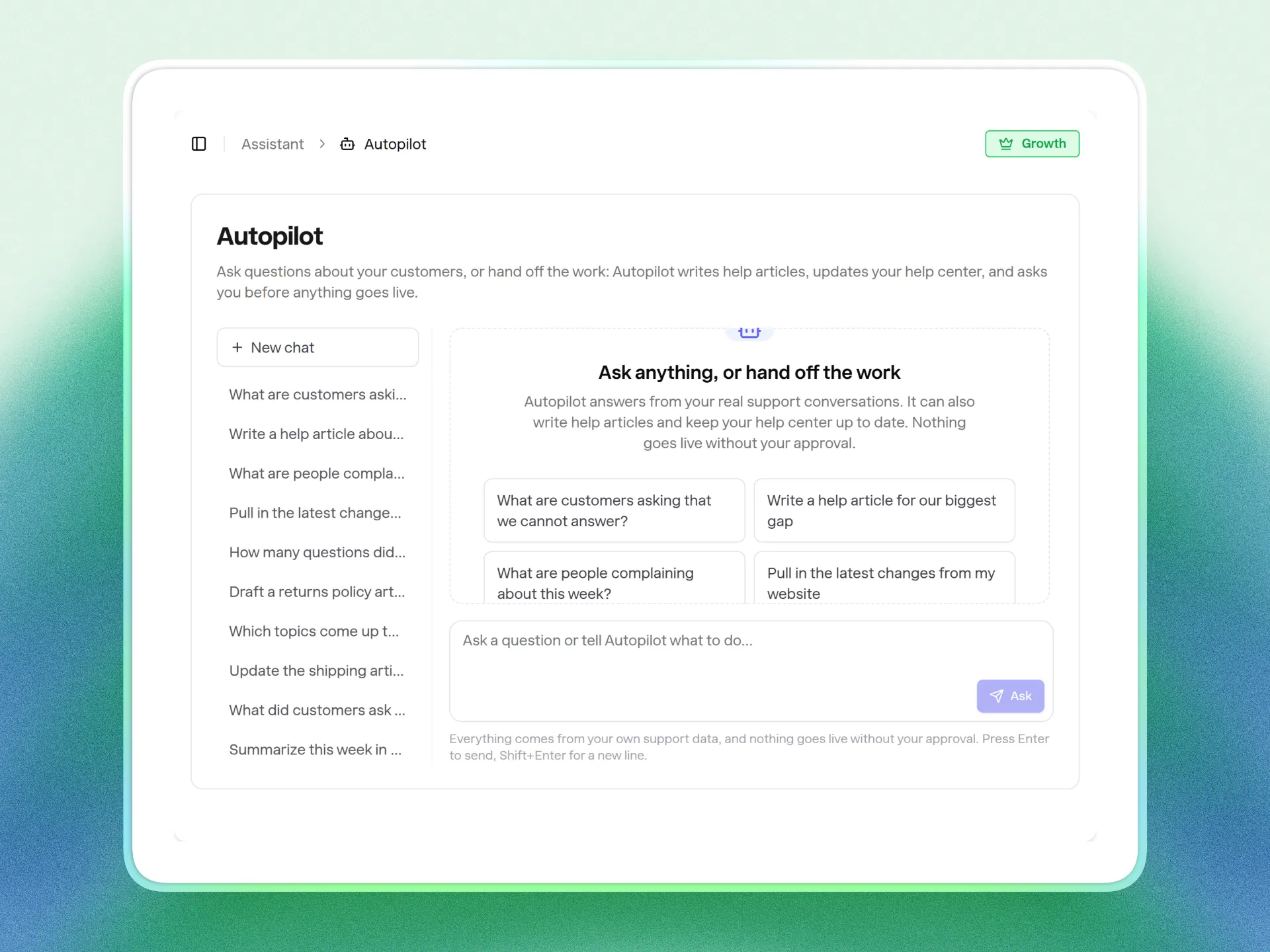
For step 4, Insights on Pro and Growth groups customer questions into topics by meaning and ranks the ones you have no content for, then pre-fills an article from the real questions people asked. You still decide what to write, but the tagging and ranking part of the monthly review is done. For a sense of what the loop is worth when a business sticks to it, The Breather deflected over 1,200 tickets in their first 30 days, with inbound volume down nearly 40% across email and phone.
Pricing is flat within a plan, $199 a month for 1,000 AI answers or $299 for 5,000, with no per-agent charge. See pricing for the details.
FAQ
Can I automate customer support without any technical skills?
Yes, for the setup that matters. Adding a chat widget is pasting one script tag, and on Shopify it's a theme app embed with no code at all. The work that needs a human is deciding what your policies say and writing them clearly. If you can write a good email answer, you can do this part.
How many questions can actually be automated?
Depends on how repetitive your business is, and the honest answer is that you'll know after a month of looking at your own list. In most small businesses a short list of factual questions carries a large share of the volume, and those are the automatable ones. Anything that needs judgment, an exception or an apology stays with you.
Do I need a help center before I add AI?
Not a formal one. You need answers in text somewhere a crawler can read: FAQ page, product pages, policy pages. If you'd rather write articles directly, you can, and publishing them also gives you a public help center as a side effect.
What happens when the AI doesn't know something?
That's the case to design for, not the exception. The assistant should say it doesn't know and hand off to a person, and that unanswered question should show up on a list you review. An assistant that guesses to look helpful is worse than one that admits the gap.
How long does this take to set up?
The tooling part is minutes. The content part is a weekend if you're starting from nothing, and an hour a month after that. Capital City Motorcycle Club went from signup to live in five minutes because their content was already on their site.
Start with the list of ten questions this week. If you want the assistant part handled, try Answer HQ free for 14 days and point it at your site.