
The Slack bot and the Claude connector went out a week ago. Here's the rest of what shipped since.
What's new
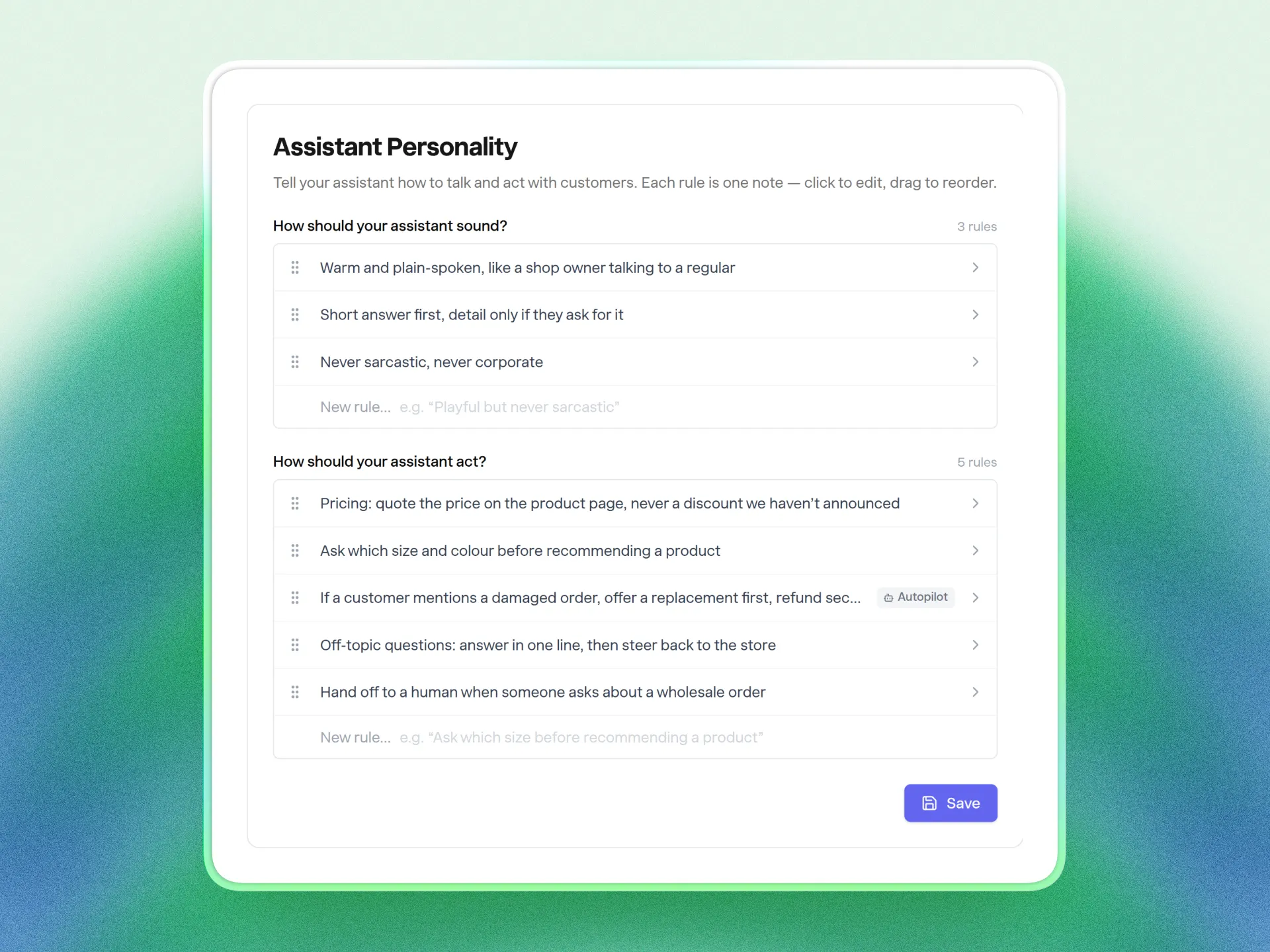
Fix one thing about how your assistant talks without worrying about the rest. Personality used to be two big text boxes, so changing a single line meant re-reading everything to make sure you hadn't cut something by accident. Now it's a list of short rules: edit the one that's wrong, drag them into order, remove one when it stops being true. Everything you'd already written is in there as rules.
Learn how personality rules work
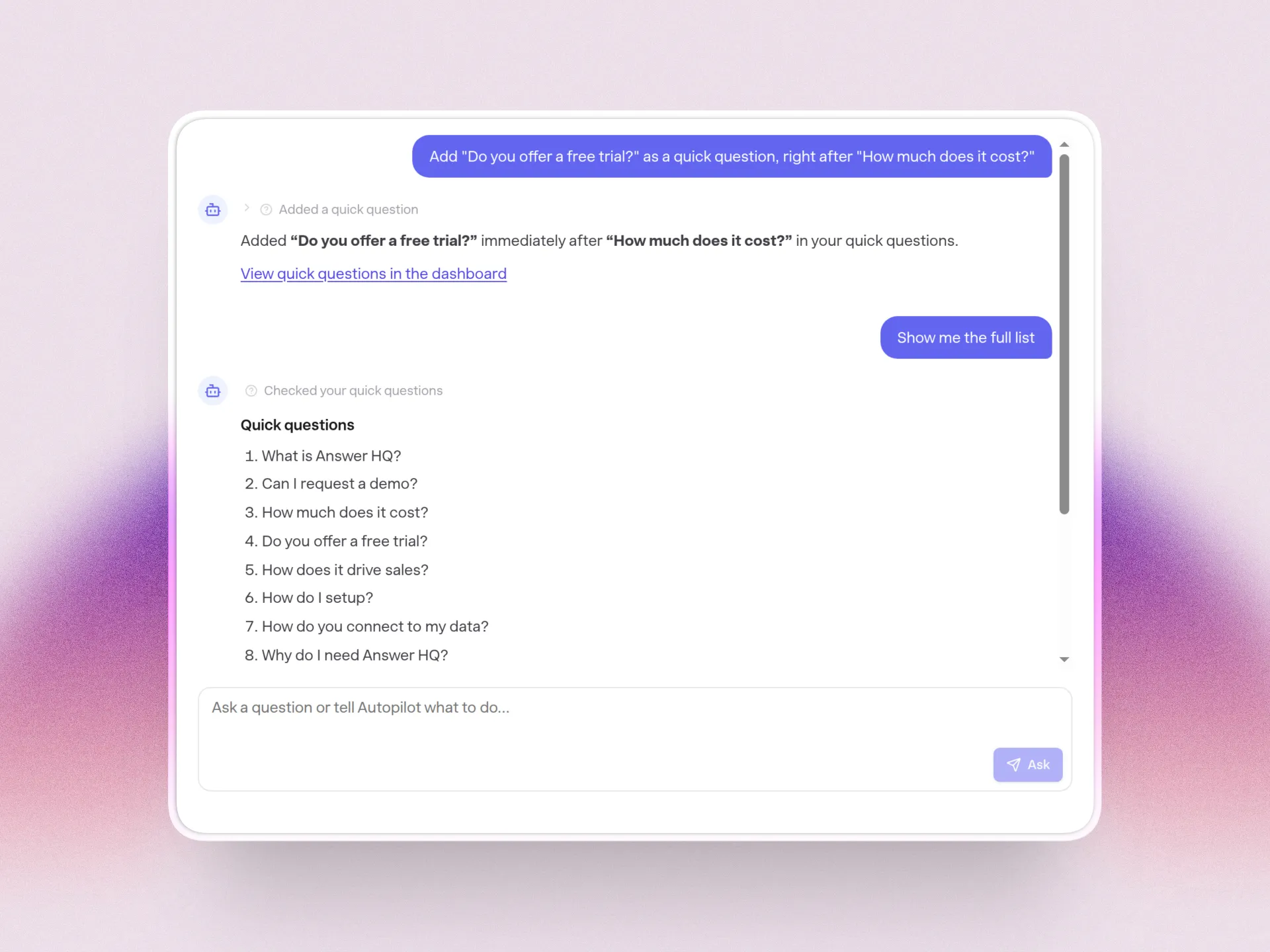
Hand the dashboard housekeeping to Autopilot. Retiring a stale quick question, renaming a category or checking when your website was last re-read used to mean clicking around the dashboard. Now you can just ask Autopilot, in the dashboard or in Slack, and it changes only the thing you named and nothing around it.
See what Autopilot can do for you
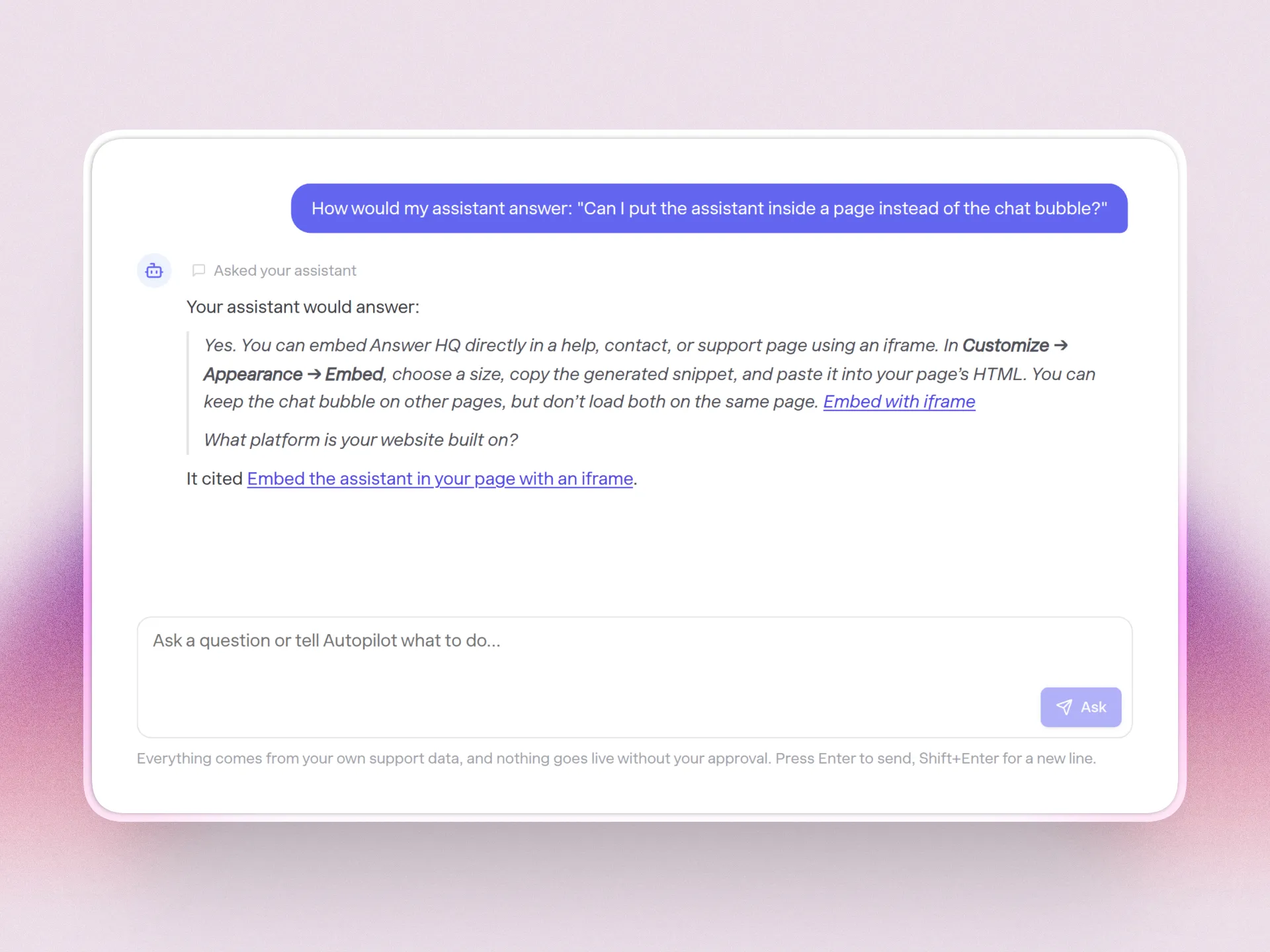
Check what your assistant would say before a customer hears it. Paste a question into Autopilot (or ask from Claude) and you get the exact answer a visitor would see, plus the articles it came from. Nothing reaches a customer and nothing shows up in Insights, so test as much as you like.
Try asking your assistant a question
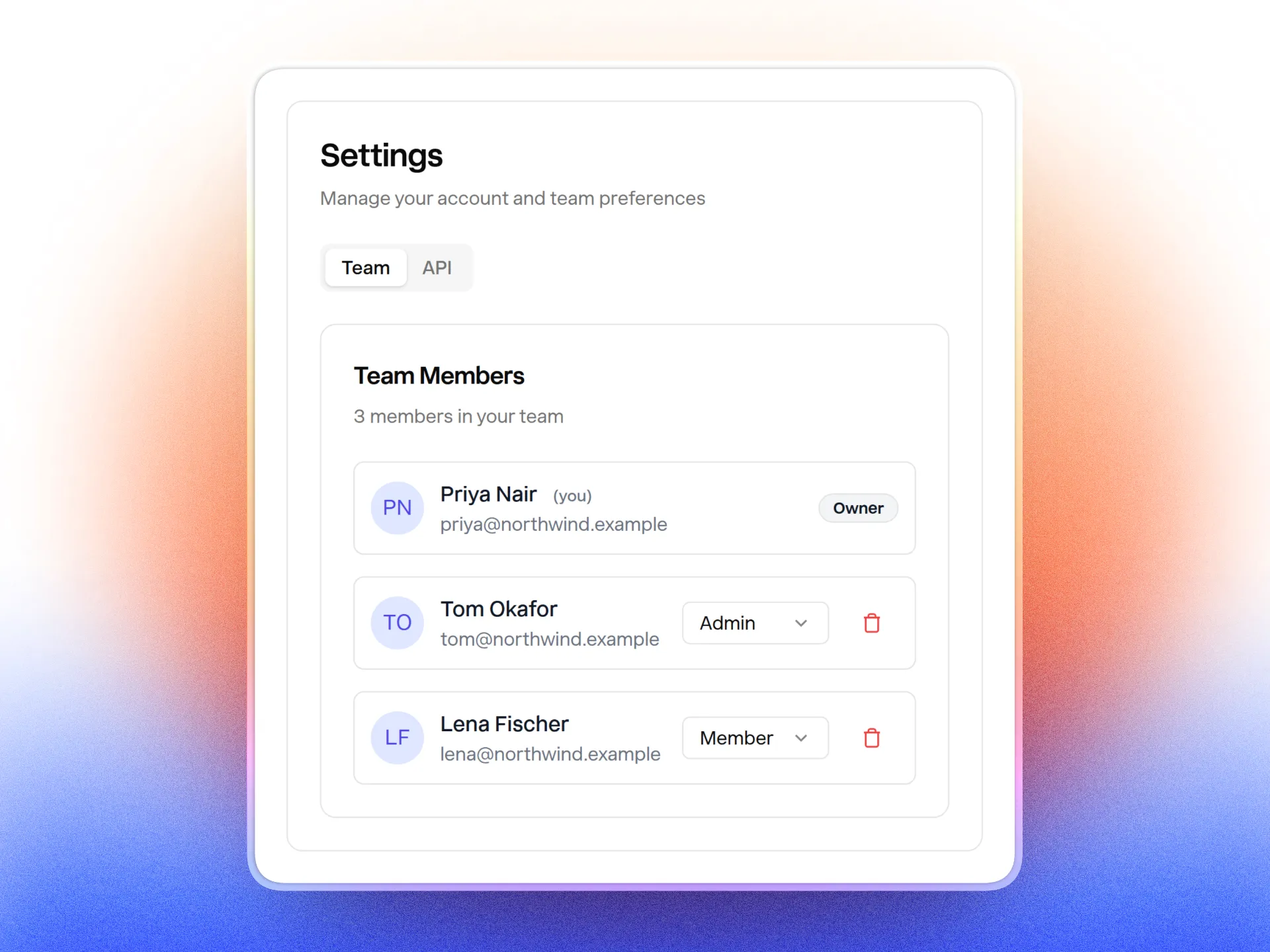
Hand off the admin work without handing over the whole account. Until now the owner was the only person who could change anything important. You can now make a teammate an admin from Settings → Team, and only owners and admins can connect or change a connector, so a new hire can't disconnect your help desk by accident.
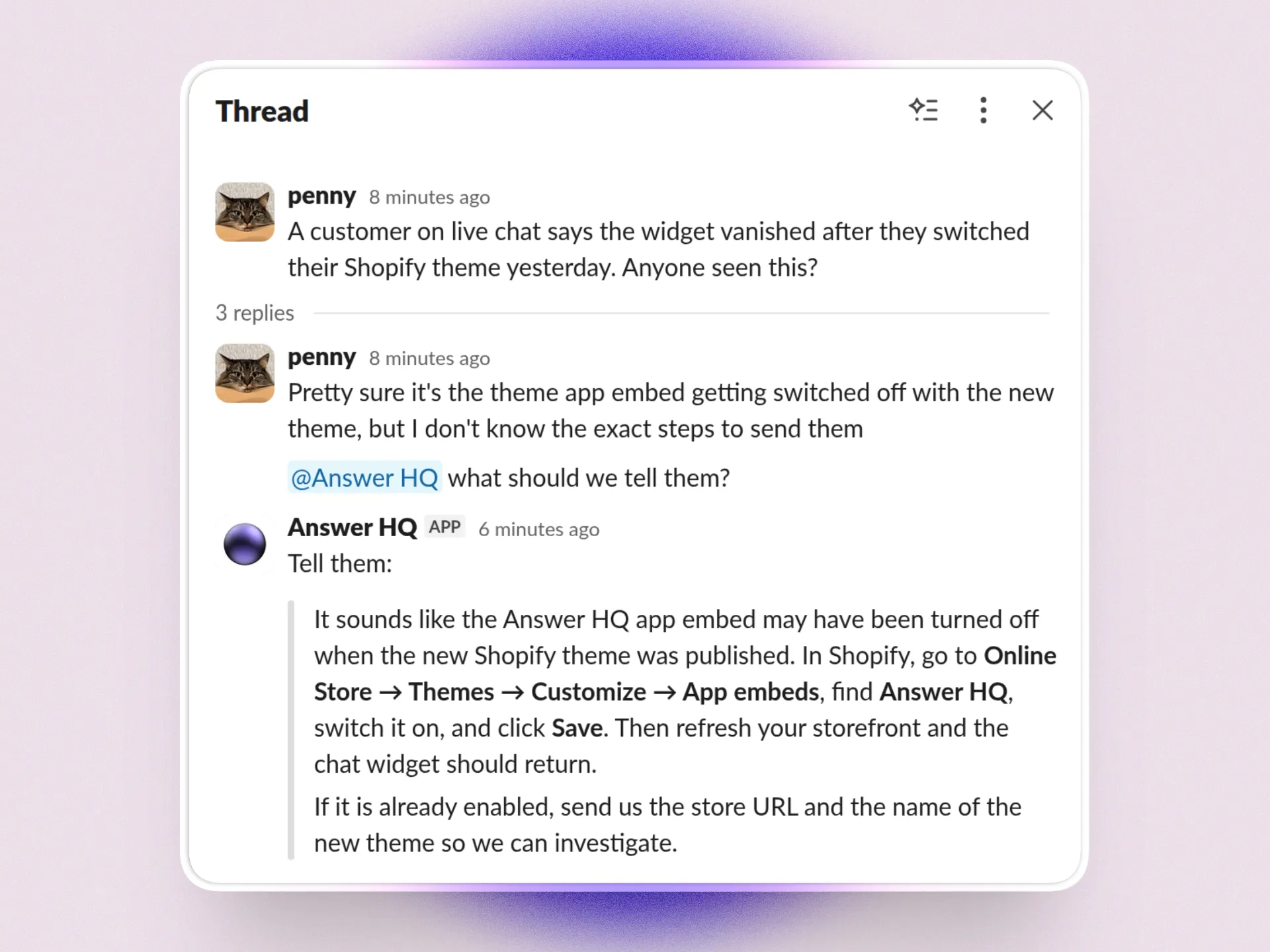
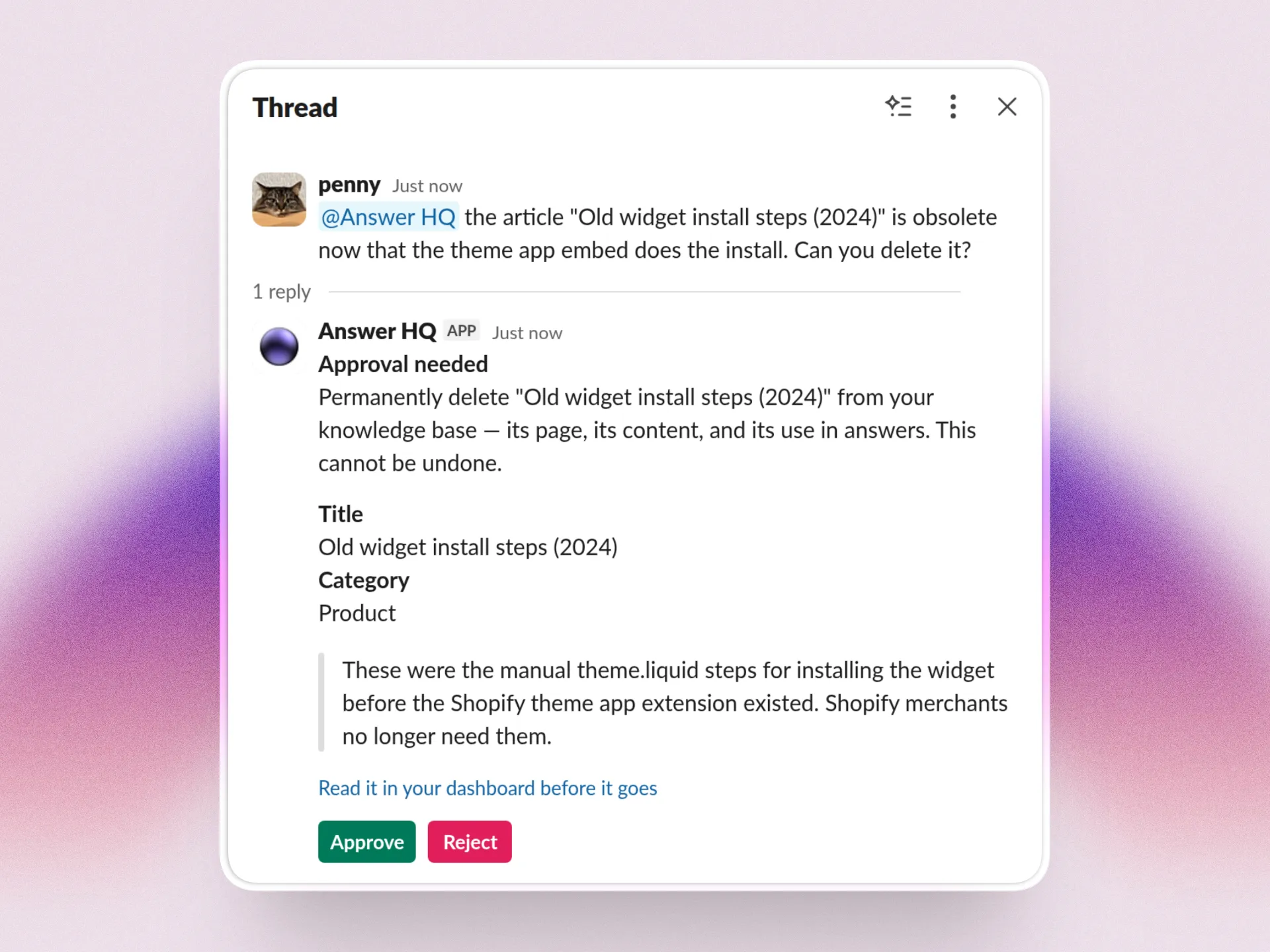
The Slack bot catches up on the thread before it answers. Mention it ten messages in and it reads what your team already said, so you don't have to repeat yourself. Start a message with "qq" when you just want a quick answer and no follow-up, and you can now ask it to delete an article (it asks you to confirm first).
See everything the Slack bot can do
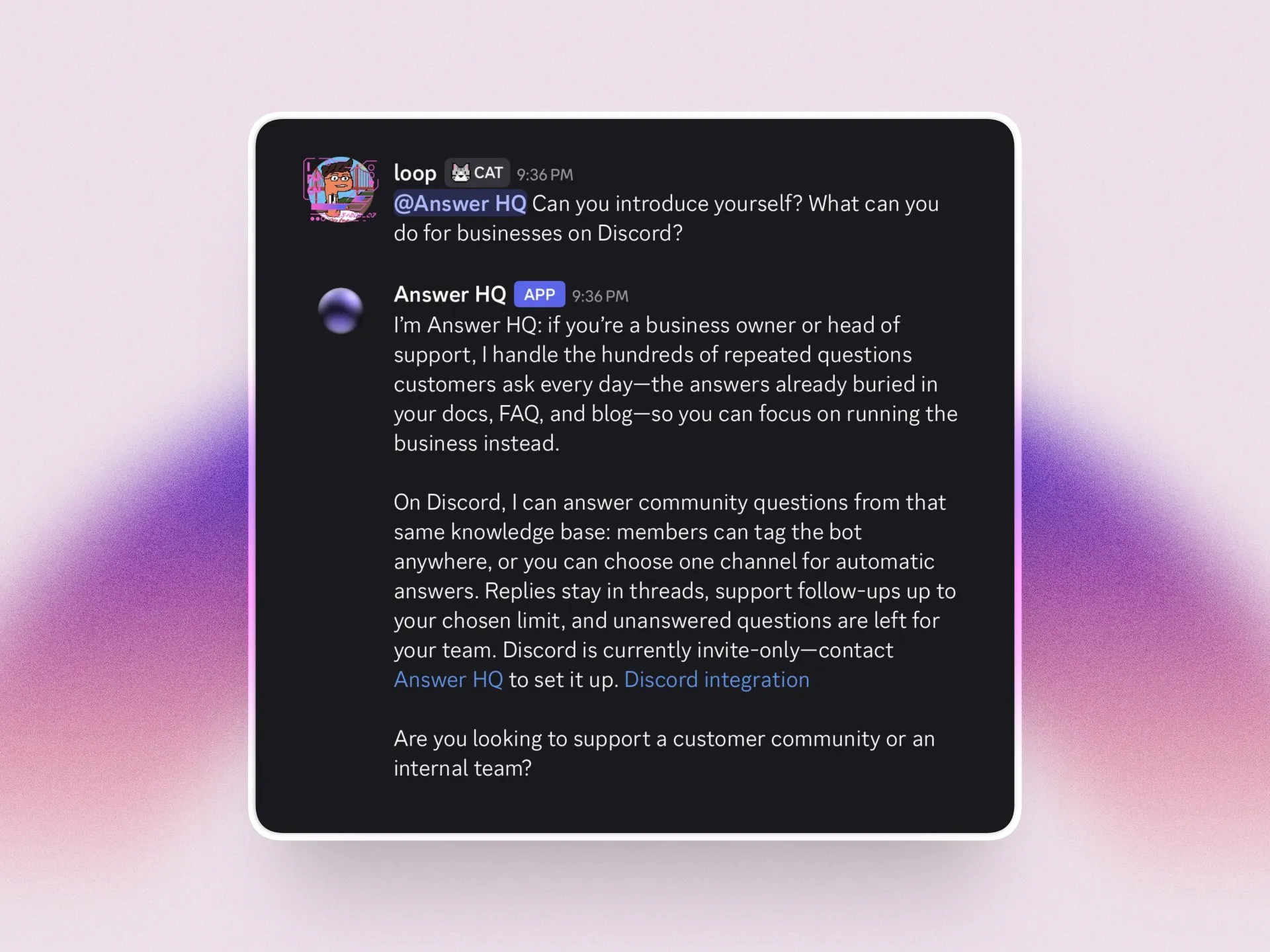
Answer your Discord community's questions while you sleep. If your customers hang out in Discord, the same assistant that runs your widget can answer them there, from the same knowledge base. It's invite only right now; email hello@answerhq.co and I'll set you up.
Read how Answer HQ works in Discord
Smarter, faster answers. We upgraded the AI models behind both the chat widget and Autopilot, so answers are better and come back quicker. Nothing to change on your end.
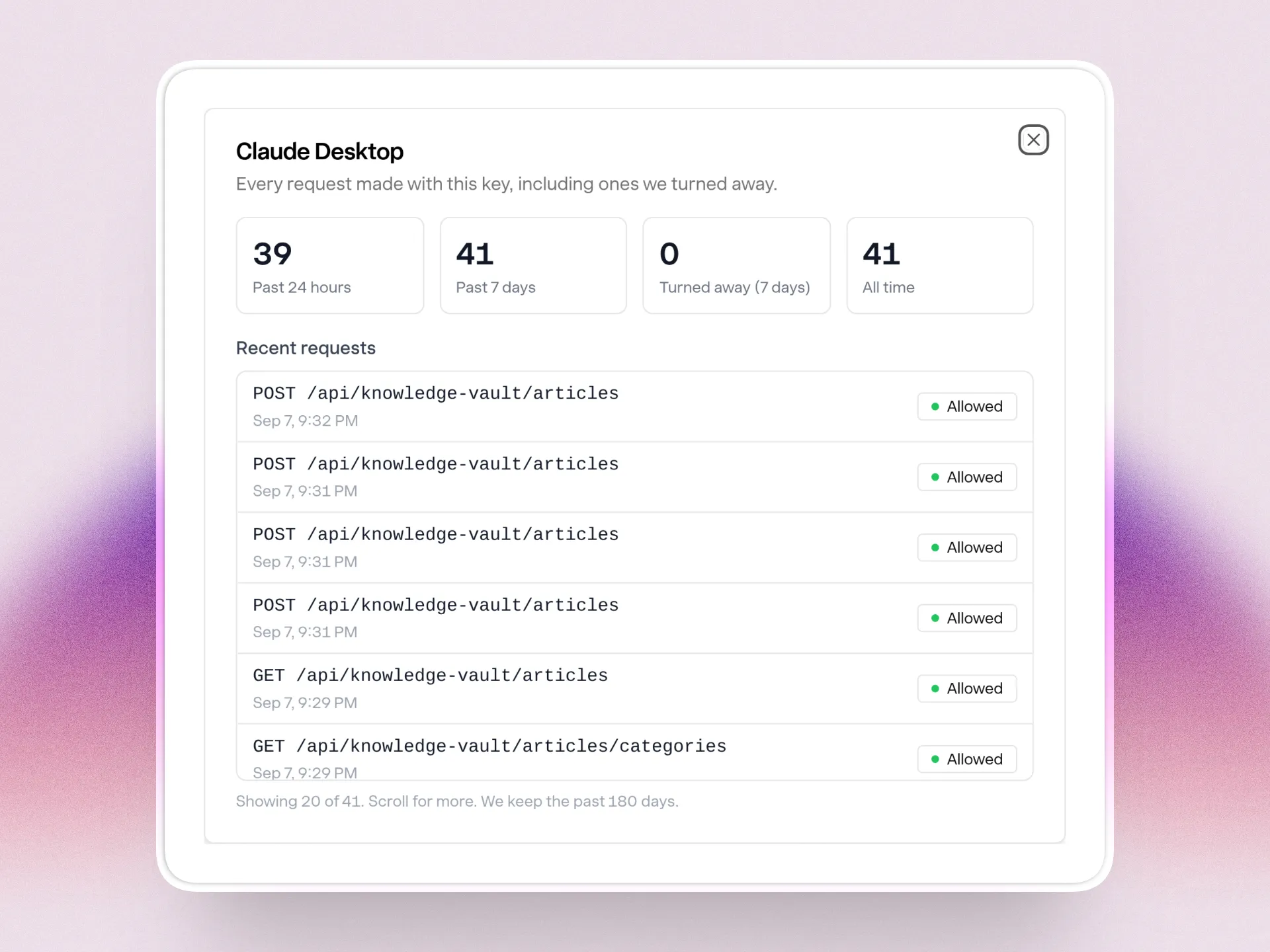
Find out whether the tools connected to your account are actually working. If a developer hooked something up to Answer HQ, you had no way to tell if it was still running. Settings → API now shows what each key did today, this week and overall, plus anything it tried that was refused.
See what each API key has been doing
In case you missed the blog
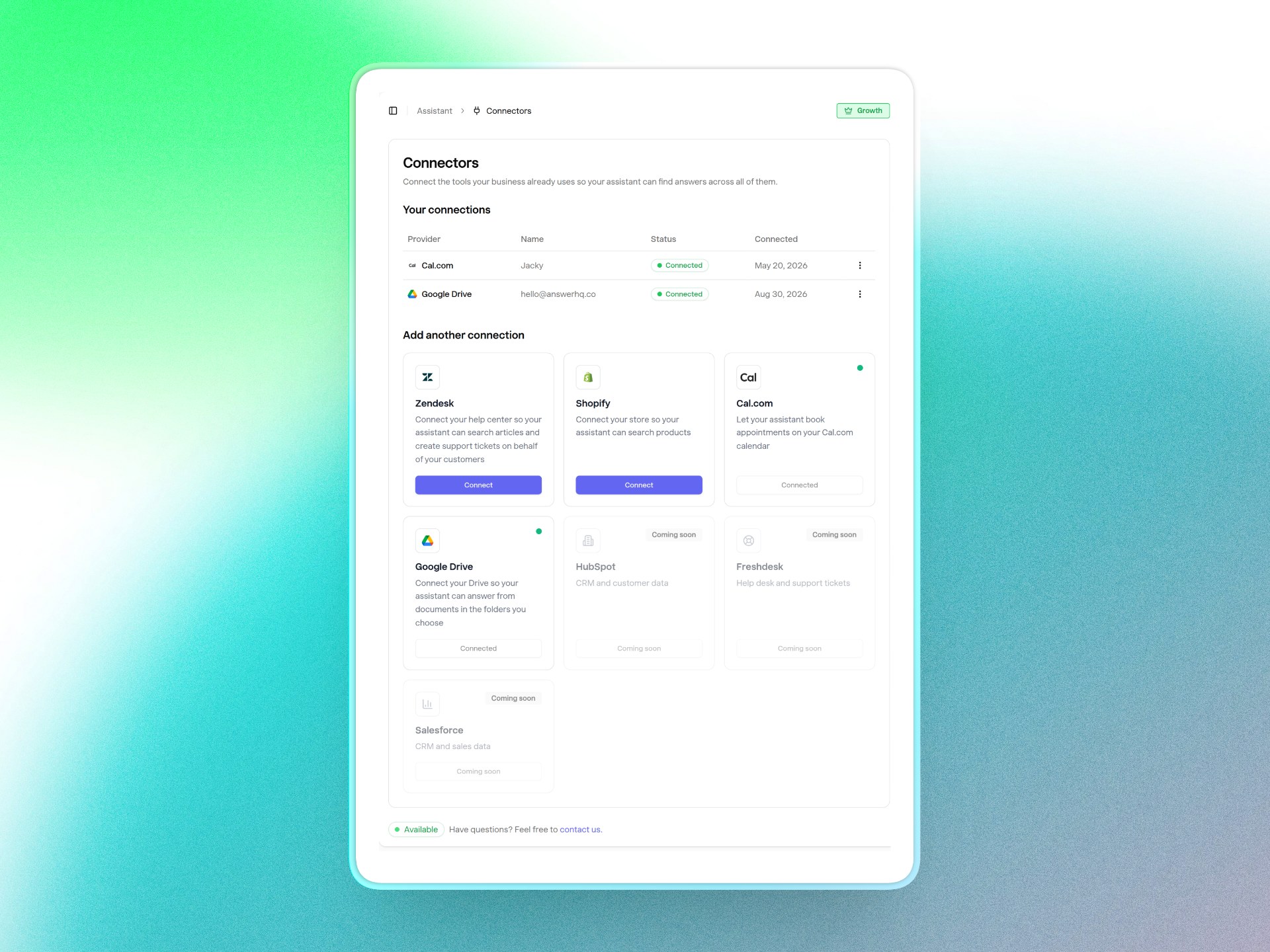
Your Google Docs can answer support questions too. Pick the Drive folders you trust and your assistant reads the Docs, Slides, PDFs and Word files inside them, so there's nothing to copy and paste into articles. Beta, on Pro and above.
Read about the Google Drive connector
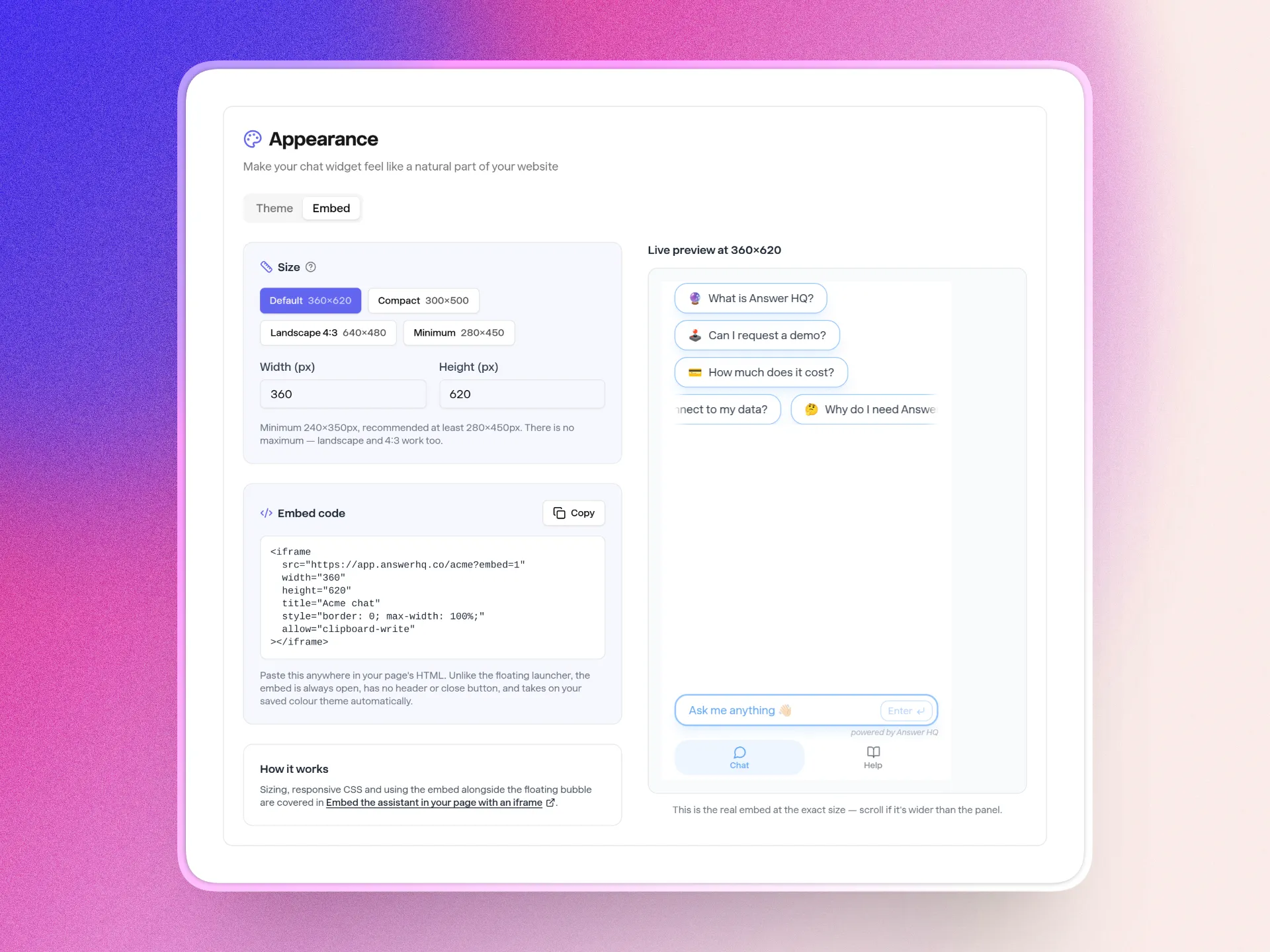
Put the assistant on the page itself, not just in a corner. Appearance → Embed turns it into a full help page in a few clicks: pick a size, check the preview, paste one line of code. Every plan.
See how to put your assistant on any page
Fixes
- Personality changes take effect right away. Before, your assistant could keep giving the old answer to a question it had already been asked, for up to a week.
- The Billing link takes you straight to your Stripe portal, no Stripe login screen first. Shopify merchants still manage their plan in Shopify.
- Two customers asking at once are answered at once, instead of the second one waiting for the first.
- Insights shows a small logo next to each conversation so you can tell where a question came from at a glance.
Something look off in your account? Email me at hello@answerhq.co and I'll fix it quickly.
Try Answer HQ free for 14 days
As always, I'd love to hear your thoughts. Send any feedback, questions, or ideas to hello@answerhq.co.
Thank you for being part of the Answer HQ journey,
Jacky Founder, Answer HQ